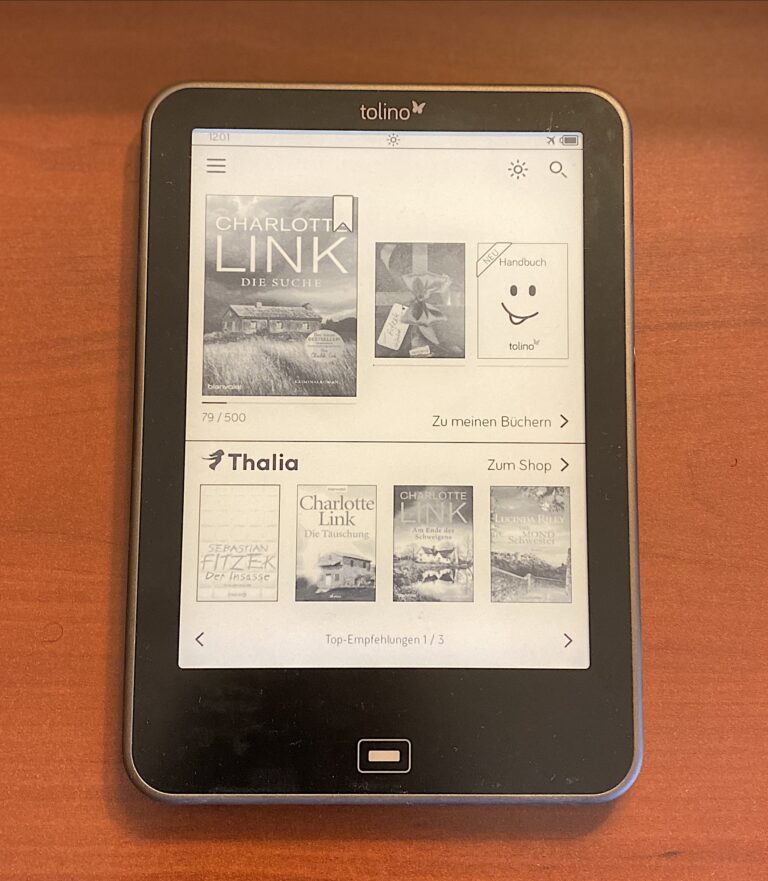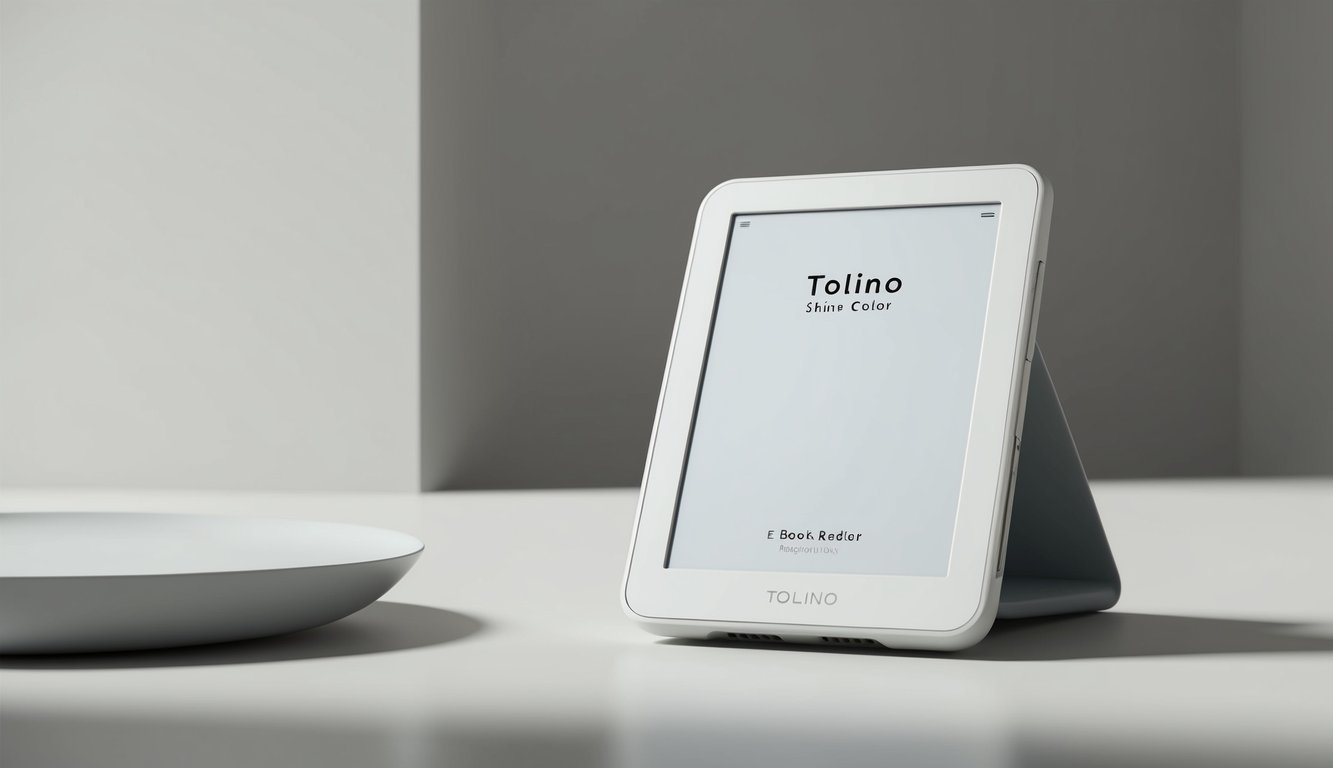
Tolino Vision Color Review
Technical Analysis and Market Assessment
Overview
The Tolino Vision Color (2022) marks Tolino’s entry into color e-reader technology, utilizing E Ink Kaleido Plus to deliver both color and traditional black-and-white reading experiences. This model represents a significant departure from the monochrome Vision series while maintaining core Tolino features.
Technical Specifications
| Feature | Specification |
|---|---|
| Display | 7-inch E Ink Kaleido Plus |
| Color Resolution | 468 x 624 (100 ppi for color) |
| B&W Resolution | 1404 x 1872 (300 ppi) |
| Storage | 16GB (approximately 12,000 books) |
| RAM | 1GB |
| Processor | 1.8GHz NXP i.MX 7 |
| Lighting | Smart Light Color (white + amber LEDs) |
| Battery | 1750 mAh Li-Polymer |
| Connectivity | Wi-Fi 802.11 b/g/n/ac |
| Ports | USB-C |
| Dimensions | 159 x 137 x 8.1 mm |
| Weight | 197g |
| Water Protection | IPX8 |
| Supported Formats | EPUB, PDF, CBR, CBZ, TXT, RTF, HTML |
Vision Series Comparison
| Feature | Vision Color | Vision 6 | Vision 5 |
|---|---|---|---|
| Display | Kaleido Plus | Carta 1200 | Carta |
| Color Support | Yes (4096 colors) | No | No |
| Resolution | 300/100 ppi | 300 ppi | 300 ppi |
| Storage | 16GB | 16GB | 8GB |
| Lighting | Smart Light Color | Smart Light 3.0 | Smart Light 2.0 |
| Release Year | 2022 | 2021 | 2019 |
| Key Feature | Color display | Enhanced speed | Larger display |
| Price at Launch | €229 | €189 | €179 |
Display Technology
The Vision Color introduces the E Ink Kaleido Plus display:
Color Features:
- 4,096 colors
- 100 ppi color resolution
- 300 ppi monochrome
- Color filter array
- Automatic mode switching
- Enhanced contrast ratio
Reading Experience:
- Full color for comics/magazines
- High-quality B&W text
- Adjustable color saturation
- Mode optimization
- Outdoor readability
- Reduced eye strain
Smart Light Color System
Advanced illumination system designed for color display:
Features:
- Dual LED arrays (white/amber)
- 24 brightness levels
- Color temperature adjustment
- Automatic brightness
- Color optimization
- Reading mode presets
- Even light distribution
Connectivity & Ports
Modern connectivity options:
Physical Connections:
- USB-C port
- Fast charging support
- Data transfer up to 5Gbps
- Improved durability
- Reversible connection
Wireless Features:
- Dual-band Wi-Fi
- Enhanced cloud sync
- Fast downloads
- Stable connection
- Better range
- Cross-device sync
Software & Reading Features
Enhanced software platform for color content:
Reading Enhancements:
- Color mode settings
- Enhanced comic viewing
- Magazine optimization
- PDF color support
- Note-taking with color
- Multiple view modes
- Format-specific optimization
Navigation Features:
- Color-aware interface
- Enhanced library view
- Comic/magazine browser
- Series management
- Collection support
- Reading statistics
- Cloud backup
Value Analysis (2022)
At its 2022 release price of €229:
Market Position:
- Premium segment
- Color e-reader market
- Enhanced capabilities
- Specialized features
- Unique offering
Value Factors:
- Color display
- Latest technology
- Large storage
- Modern connectivity
- Regular updates
Current Market Comparison
The Vision Color’s current standing:
Strengths:
- Color capability
- Comic/magazine support
- Modern features
- Water resistance
- Regular updates
Limitations:
- Higher price
- Color resolution
- Battery impact
- Outdoor color visibility
- Limited color content
Continue reading Part 2 for historical comparison, known issues, and final assessment
Historical Analysis and Recommendations
Return to Part 1 for specifications and features
Historical Model Comparison
Comparing the Vision Color to standard Vision models:
Display Evolution:
- Color capability added
- Dual resolution approach
- Enhanced contrast
- Color filter integration
- Mode switching
- Specialized lighting
Hardware Advances:
- Color-optimized processor
- Enhanced RAM usage
- Larger battery
- Improved thermal management
- Specialized components
- Color-aware sensors
Software Adaptations:
- Color-aware interface
- Format optimization
- Enhanced viewing modes
- Color management
- Comic/magazine support
- Advanced features
Known Issues
Based on testing and user feedback:
Color-Related:
- Outdoor color visibility
- Color accuracy variation
- Resolution trade-offs
- Battery impact in color
- Refresh rate in color
- Color mode transitions
General Issues:
- Price premium
- Weight increase
- Storage demands
- Format limitations
- Battery life variation
Workarounds:
- Mode optimization
- Lighting adjustment
- Content formatting
- Power management
- Storage organization
Who Should Buy
Target audience analysis:
Ideal Users:
- Comic readers
- Magazine enthusiasts
- Textbook users
- Art book readers
- Premium users
Not Recommended For:
- Text-only readers
- Budget conscious
- Outdoor-primary use
- Basic needs
- Battery priority
Model Selection Guide
Choosing between Vision models:
Vision Color Best For:
- Comic/manga readers
- Magazine readers
- Color content needs
- Premium features
- Latest technology
Vision 6 Better For:
- Text-focused reading
- Performance priority
- Battery life needs
- Value conscious
- Standard use
Vision 5 Ideal For:
- Basic reading
- Budget conscious
- Simple needs
- Proven technology
- Standard features
Final Assessment
Comprehensive evaluation:
Strengths:
- Color capability
- Modern features
- Large storage
- Water resistance
- Format support
Limitations:
- Color resolution
- Higher price
- Battery impact
- Outdoor visibility
- Content availability
Overall Rating: 4.3/5
- Display Quality: 4.5/5
- Color Performance: 4/5
- Features: 4.5/5
- Value: 4/5
- Software: 4.5/5
Value Proposition
Long-term value assessment:
Investment Justification:
- Unique capabilities
- Future-proof features
- Premium quality
- Regular updates
- Format support
Cost Considerations:
- Higher initial cost
- Content availability
- Long-term support
- Feature utilization
- Upgrade path
Pro Tips
Maximizing the Vision Color experience:
Content Optimization:
- Format-specific settings
- Color mode selection
- Lighting adjustment
- Content organization
- Battery management
Reading Enhancement:
- Mode-specific settings
- Content type presets
- Lighting optimization
- View mode selection
- Format optimization
Maintenance Best Practices:
- Regular updates
- Storage management
- Battery care
- Screen protection
- Port care
Return to Part 1 for specifications and features