Kobo FAQ: Which Model to Buy, and How to Actually Use It
Affiliate disclosure: some links below are Amazon and eBay affiliate links. If you buy through them, EasyEreader earns a small commission at no extra cost to you.
Every week someone asks us some version of the same question about Kobo, so here’s the running answer sheet — the questions we actually get, answered straight, updated as the lineup changes.
Which Kobo should I actually buy?
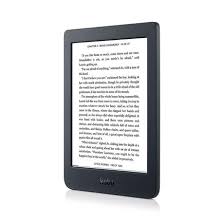
It depends on what you’re replacing and what you’re willing to pay for. The Clara BW is the entry point — a straightforward black-and-white 6-inch reader for anyone who just wants a good screen and doesn’t need color. Step up to the Clara Colour for the same footprint with a color E Ink Kaleido 3 screen, useful mainly for comic-adjacent covers and colored highlights rather than anything photo-realistic. The Libra Colour is the same color technology in a larger 7-inch body with physical page-turn buttons, which matters more than it sounds like once you’ve used one. And if you take notes or sketch, the Sage (8-inch) and Elipsa 2E (10.3-inch, includes the Kobo Stylus 2) are built for that specifically — buying one just to read on is overpaying for a job a Clara or Libra already does.
What actually makes Kobo different from a Kindle?
Open format support is the real answer, not a marketing line. Kobo reads EPUB natively — the format most libraries and non-Amazon bookstores use — without the conversion step a Kindle requires. Most current models are waterproof. And Kobo’s library integration through OverDrive and Libby is built into the device itself, so borrowing from your local library doesn’t mean emailing files around.
How do I get books onto a Kobo?
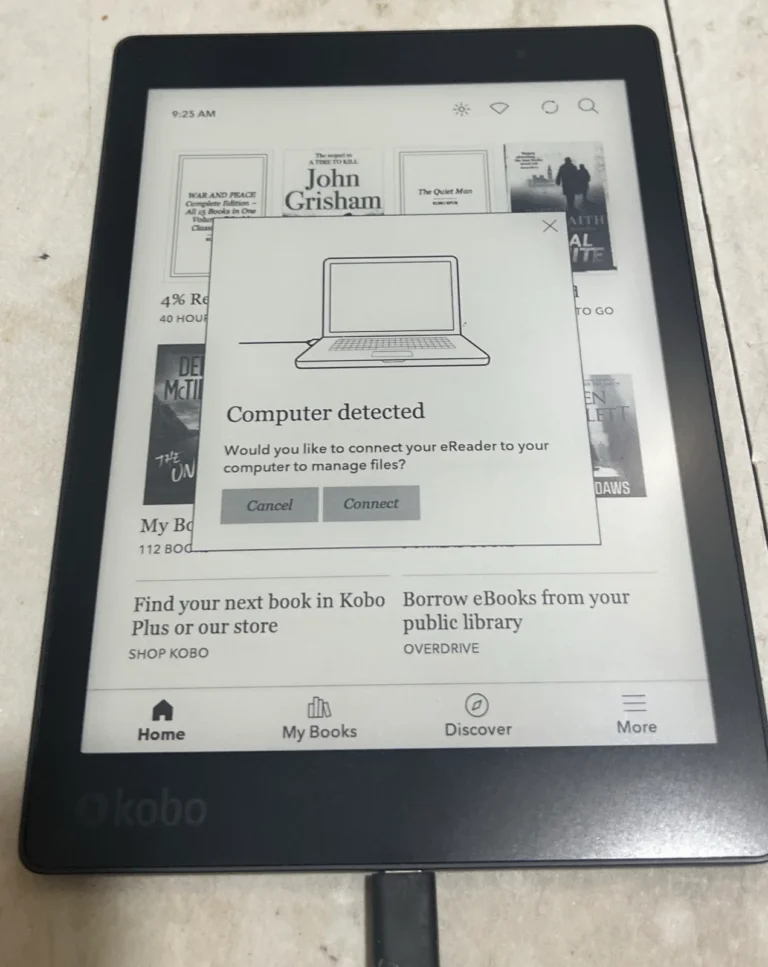
Four ways, in order of how most people actually use them: buying directly through the Kobo Store on the device itself; using OverDrive/Libby for library loans, which sync automatically; sideloading via USB from Kobo Desktop or a file manager for EPUBs and PDFs from elsewhere; and Dropbox syncing, supported on newer models, for anyone who already keeps a files folder there.
What do I do if my Kobo won’t sync, or seems slow?
For sync problems: check the Wi-Fi connection first, then confirm you’re still signed into the right Kobo account, then try a manual sync from the settings menu before resetting sync data as a last resort. For a device that’s gotten sluggish: clear the browser cache if you use it, remove books you’ve finished and archived elsewhere, and check for a firmware update — Kobo pushes performance fixes more often than people expect. A device that won’t power on at all usually just needs an hour on the charger before you assume it’s dead.
Can I read library books on a Kobo?
Yes, and it’s one of the better implementations of this in any e-reader. OverDrive and Libby integration is built into the device, so you can browse your library’s catalog, borrow, and have the book delivered straight to the Kobo without touching a computer.
Does Kobo Plus replace buying books outright?
Not really — think of it as a subscription layer next to ownership, not instead of it. It gives you access to a rotating catalog of ebooks and audiobooks for a monthly fee, similar in spirit to Kindle Unlimited, while anything you buy outright stays yours regardless of whether you keep subscribing.
Looking for a specific model review instead of the general FAQ? Start at the Kobo hub, or read our full Kobo history and chronological guide if you’re curious how the brand got here. Still not sure Kobo is the right ecosystem for you? Our e-reader finder quiz will tell you in about ninety seconds.