The Kindle: A Complete Journey Through Amazon’s E-reader Revolution (2007-Present)
This is my take on Kindle history, from the bulky 2007 original to the color Kindles of today, and why even the oldest one can still do its job.
like a lot of people, I came late to the e-book party.
For years I was opposed to e-book readers, philosophically or intellectually or both. Can I say exactly why now? Not really. I think as a book lover I just assumed an e-reader was something very different from a book. Maybe even an enemy of books. I’d like to say nothing could be further from the truth, but that’s a strong statement. What I can say is that those old ideas seem far-fetched to me now.
I don’t think e-book readers have reduced reading in any meaningful way. If anything, they’re a small saving grace at a time when so many of us are hooked on our screens. An e-reader is a screen that asks you to do one old-fashioned thing: read.
Somehow I thought e-readers would do away with books. That seems absurd now. Maybe fewer books get printed, and ecologically there’s probably some good in that. If most of us knew what really happens to brand-new bestselling hardcovers once they stop selling, we’d be shocked.
2007: The Kindle arrives (and I wasn’t in line)
When Amazon released the first Kindle in November 2007, I don’t remember where I was intellectually. I do know I wasn’t one of the people waiting for it or trying to grab one. Plenty of other people were. It cost $399 and famously sold out in about five and a half hours.
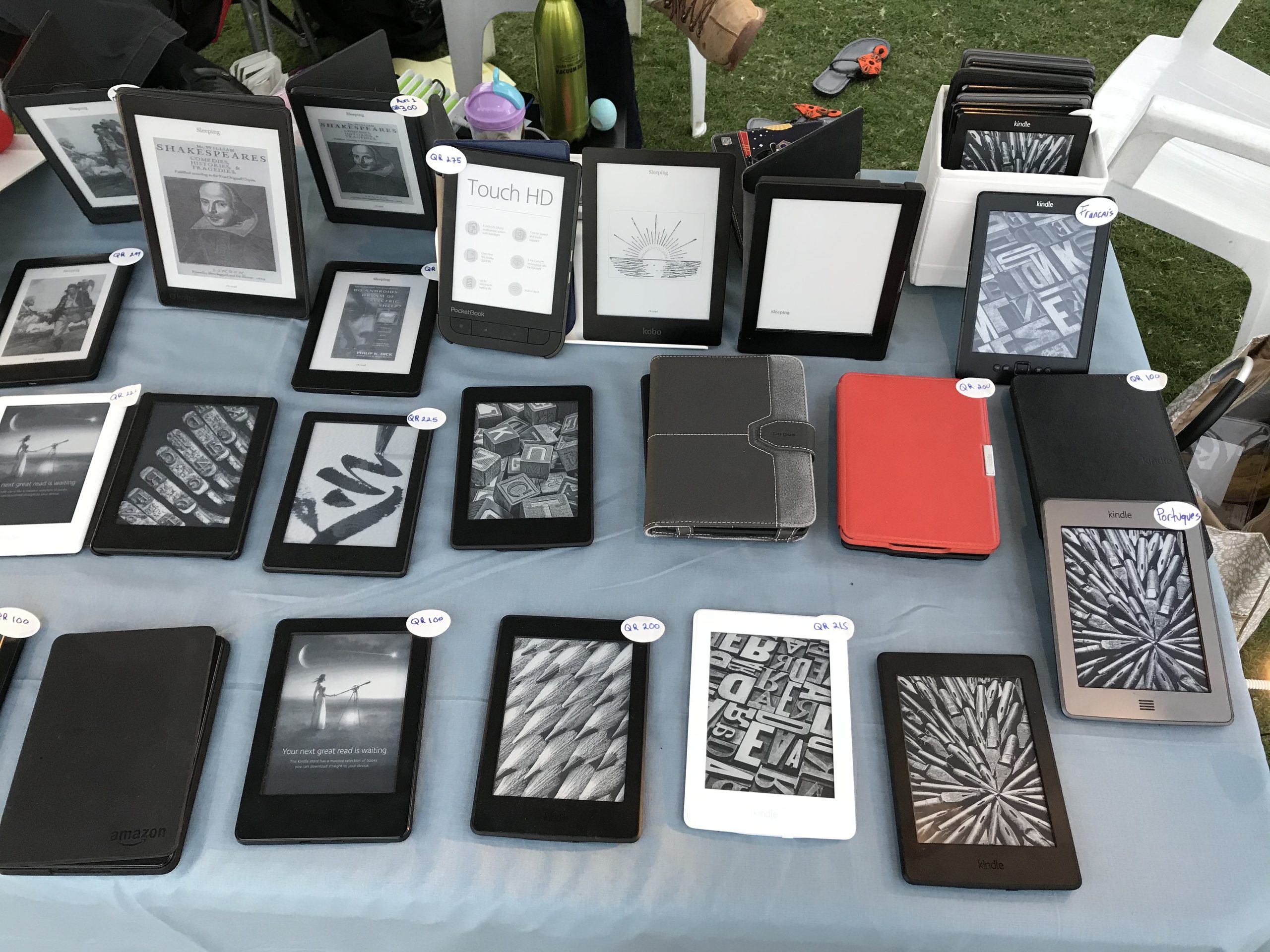
I think I may even have had one of those early white Kindles around here at some point. It was interesting-looking and very bulky compared with what a Kindle is now, with a full keyboard, an angled plastic body and a scroll wheel down the side. Put it next to a current model and the difference is almost hard to believe.
It’s worth saying that Amazon didn’t get there first. Sony had e-ink readers out earlier: the Librie in Japan in 2004, and the Sony Reader in the US in 2006. But Amazon, with its reach, somehow made the Kindle the model everyone pictured when they said “e-reader.” Maybe it was the advertising, the aggressive marketing, or just how many people were talking about it. Maybe it was the store and the free wireless connection behind the device, which meant you could buy a book from your couch without ever plugging into a computer. Whatever the reason, the Kindle got the public’s attention, and it has kept it. (If you’re curious how the two sides stacked up back then, we compared the Sony PRS-505 and the Kindle 2 head to head.)
I’ve definitely owned one of the early models since then, probably from 2008, 2009 or 2010. The original one has likely been given away. I don’t think I sold it. It might even be somewhere behind the boxes.
Why an old Kindle still matters
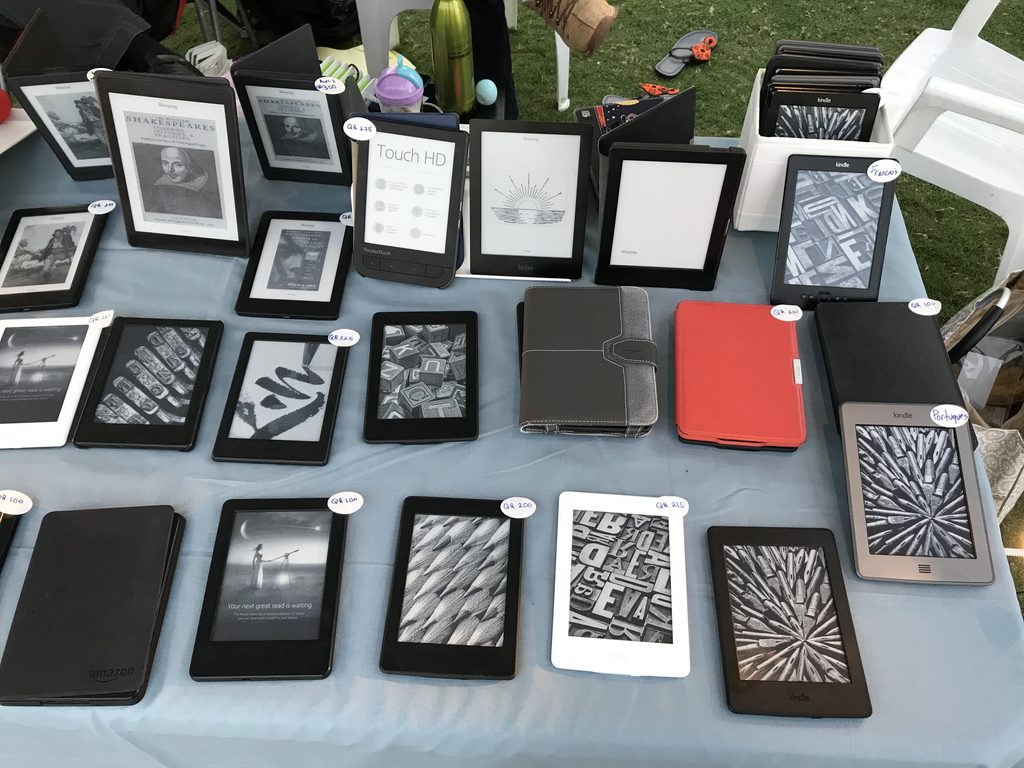
This is the part that matters most to me, especially since I got into selling used e-readers: even a Kindle from 2007 can still be useful. That’s part of the beauty of these things.
A Kindle from 2007, 2010, 2011, 2012 or 2015 can still do the essential job. Will it be the brightest screen on the planet? No. The lightest? No. The fastest page turns? No. Will it have a dark mode with white text on a black screen? Probably not. But can you read on it?
Yes. That’s the point.
Used e-readers are closer to used books than we tend to realize. A used book is just a book someone else has read, and it’s still perfectly good to read. An older e-reader can be the same. Can you show it off and make people think you’re hip for owning one? Only if it’s some kind of rare collector’s item. That’s the problem with used electronics in general: they’re seen as unhip, because it’s considered hip to own the latest and greatest. But if you love to read, that doesn’t matter. What matters is whether the device lets you keep reading.
That’s also where e-readers are unique. Picture carrying War and Peace on a three-hour flight, finishing it ahead of schedule, and being glad you didn’t pack three other big books as backup. That’s exactly the kind of problem an e-reader solves. It’s also great for people who read several books at once. Say you’re reading a mystery, you get a little tired of it, you switch to something else for a while, and then you come back to the mystery later. An e-reader handles that easily.
Kindle history, generation by generation
So how did we get from that bulky 2007 original to the Kindles of today? Here’s the short version of Kindle history. It focuses on the changes that actually changed reading, not every minor refresh.
| Year | Model | What changed |
|---|---|---|
| 2007 | Kindle (1st gen) | The original: e-ink screen, physical keyboard, free cellular “Whispernet” to the Kindle Store. Headphone jack, speaker and basic MP3 playback. |
| 2009 | Kindle 2 | Thinner and more refined. Added text-to-speech (it reads books aloud in a synthetic voice). |
| 2009 | Kindle DX | A 9.7-inch screen aimed at PDFs, newspapers and textbooks. |
| 2010 | Kindle Keyboard (3rd gen) | Sharper, higher-contrast E Ink Pearl screen, Wi-Fi, lighter body. For many people this was the one that made Kindle mainstream. |
| 2011 | Kindle 4 and Kindle Touch | The keyboard disappeared. The Kindle 4 went buttons-only and cheap. The Touch added a touchscreen and was the last Kindle with a headphone jack. |
| 2012 | Kindle Paperwhite | The front light. Now you could read in the dark without a clip-on lamp. |
| 2014 | Kindle Voyage | Premium build, higher-resolution screen, pressure-sensitive page-turn buttons. |
| 2015 | Paperwhite 3 | 300 ppi arrived on the mainstream model, so text looked close to print. |
| 2016 | Kindle Oasis | An asymmetrical design with a hand grip and physical page buttons. |
| 2017 | Oasis 2 | Waterproofing, a 7-inch screen, and audio returned with Audible over Bluetooth. |
| 2018 | Paperwhite 4 | Waterproofing and Bluetooth audio moved down to the mid-range model. |
| 2019 | Kindle (10th gen) | The entry-level Kindle finally got a front light. |
| 2021 | Paperwhite 5 | Bigger 6.8-inch screen, adjustable warm light, USB-C. |
| 2022 | Kindle Scribe and Kindle (11th gen) | The Scribe added a large screen and a pen for writing. The base Kindle got a 300 ppi screen. |
| 2024 | Kindle Colorsoft and a new Paperwhite | The first color e-ink Kindle, and a faster 7-inch Paperwhite. |
| 2025–26 | Scribe refresh | A redesigned Scribe family, including a color version. |
Audio comes full circle
One of the odder twists in Kindle history is audio. One thing that separates newer Kindles from older ones is audio. Current models play Audible audiobooks over Bluetooth headphones or speakers, and that’s appealing.
What’s interesting is that some of the oldest Kindles could already play sound. The early models had headphone jacks and speakers, so you could play MP3 files and use text-to-speech. Then the Paperwhite era dropped audio completely for several years, and Bluetooth brought it back in 2017. In that way the Kindle has almost come full circle.
If audio matters to you, we’ve covered which e-readers actually play audiobooks in more detail.
Can you still read on a 2007 Kindle today?
I can’t say with 100 percent certainty that a 2007 Kindle will still work, but I’d bet there’s a very good chance you can read on it. Will it be a joy? Maybe not. But you can still read.
In fairness, here’s the practical side of getting books onto one:
- The wireless is gone. The original Kindle’s free cellular connection ran on a network that has since shut down. Amazon also stopped letting Kindles from 2012 and earlier buy or download from the Kindle Store directly on the device in 2022.
- Books already on it still open. If a secondhand Kindle still has its library on it and the battery holds a charge, it reads the way it always did.
- You can load books by cable, with limits. Old Kindles show up as a USB drive on a computer, and you can copy DRM-free books in formats they support (MOBI, AZW and plain text on the oldest models). But in February 2025 Amazon removed the “Download & Transfer via USB” option for Kindle Store purchases, so copying books you’ve bought from Amazon onto a very old Kindle is now much harder than it used to be.
- The battery is the real question. On any device this old, an original battery is the part most likely to have faded. If you’re buying one, check it holds a charge before you pay.
So a first-generation Kindle today is more of a reading device for the books it already has, plus the DRM-free ones you load yourself. It’s not a window into the whole Kindle Store anymore. Kindles from a few years later hold up much better. For model-by-model advice, see our guide to whether older Kindle models are still worth buying.
The real revolution
Think of a hardcore book addict, the kind of person who reads through breakfast, lunch and dinner, through meetings, and even while family members are trying to talk. For that person, a working e-reader is enough. As long as they have a book or an e-reader, whether it’s from 2007, 2017 or some future 2027 model, the point stays the same.
Reading continues.
The real revolution was never that the device got sleek or new. It’s that the Kindle helps people keep reading. I’m not the world’s biggest Kindle fan, but enough people use them that Amazon deserves credit for its marketing and its technical ingenuity.
If you’d like a Kindle that still does the job without paying new-device prices, start with our used e-readers guide. And follow along: we’ll be going deeper into the technical details of each chapter of Kindle history in upcoming posts.